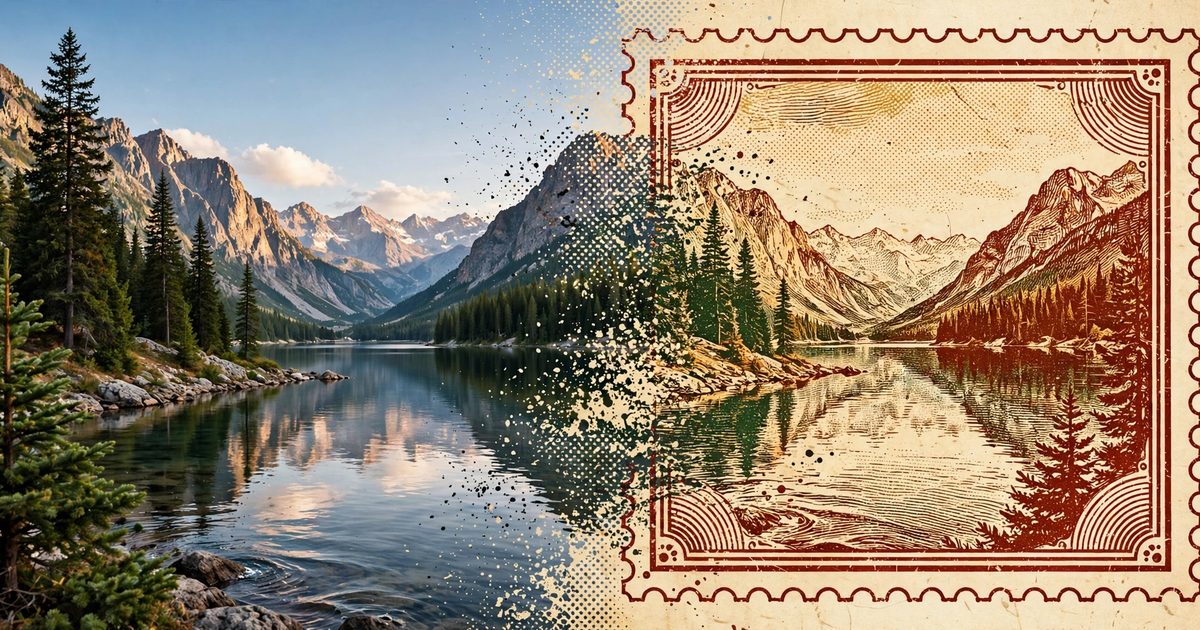
Here's how to turn a travel photo into a vintage travel stamp in about 30 seconds: open the free stamp maker in your browser, upload any trip photo, and it comes back styled like an old travel poster — weathered border, bold destination type, the works. No account, no install, no design skills. I ran a Kyoto temple photo through it and had a finished stamp before my coffee cooled.
If your camera roll is where travel photos go to die, this is the fastest way I've found to give one a second life.
What the "vintage travel stamp" look actually is
The aesthetic comes from the golden age of travel posters — the 1920s–40s lithographs that railways and tourism boards plastered everywhere, and the WPA national park posters in the US. Big flat color, one strong image, the place name set large. The Library of Congress keeps the whole WPA collection online — over 900 original posters from 1936 to 1943 — and it's worth five minutes of your time if you want to see where the style comes from.
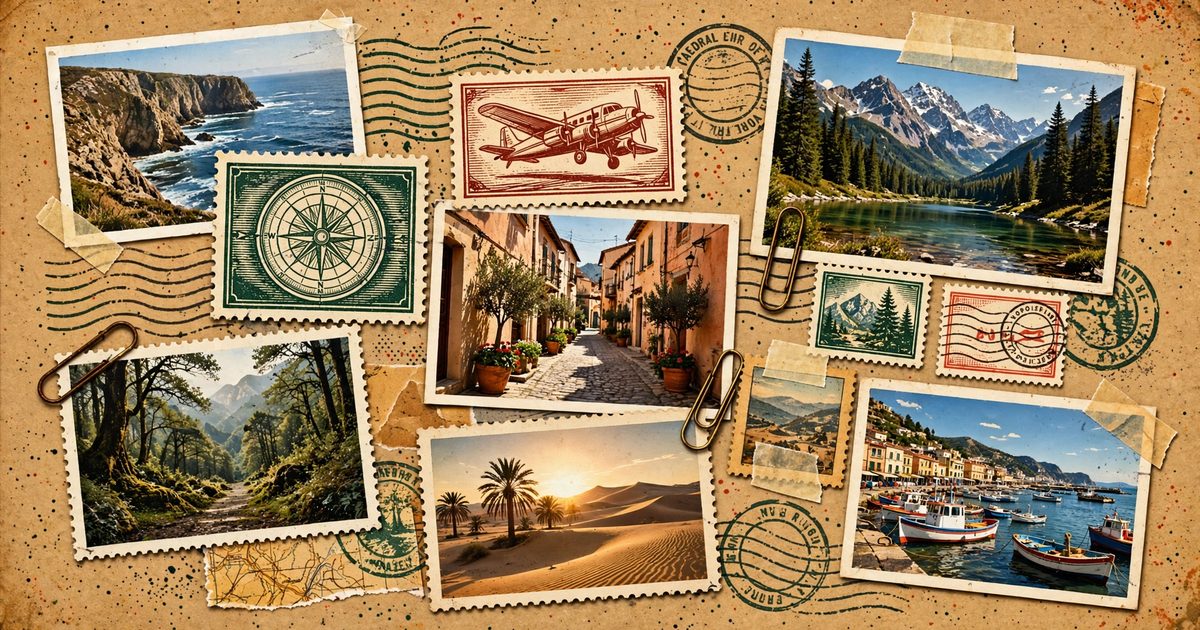
A vintage travel stamp shrinks that look into stamp format: your photo re-rendered with the poster's color treatment, the destination name stamped across it, a worn border that makes it feel found rather than made.
It works because it borrows nostalgia. A plain photo says "I was there." A stamp says "this place mattered enough to commemorate."
The 30-second method (free)
You don't need Photoshop or a design app. Here's the whole process:
Step 1 — Open the stamp maker. Go to the app in any browser, phone or desktop — try the travel scrapbook app. It loads as a web app. Nothing to install, no signup screen standing between you and the upload button.
Step 2 — Upload your photo. Any vacation photo works: a phone shot, an old scanned print, whatever you've got. Pick one with a clear subject — a temple, a coastline, a street corner — rather than a group selfie where everyone's the size of an ant. (More on picking the right photo below.)
Step 3 — Let it build the stamp. The app turns your photo into stamp artwork automatically: the vintage color treatment, the destination name, the date. This is the part that takes about 30 seconds. You just watch it happen.
Step 4 — Add the memory. Stamp it with the details that make it yours — the place, the date, a line about what happened there. This is what separates a stamp from a filter. A filter changes how a photo looks; a stamp records that you were there and why it mattered.
Step 5 — Save it or share it. Download the finished stamp, drop it into a digital scrapbook page, print it, or post the before-and-after. Done.
Two free custom stamps are included, so you can run a couple of favorites through before you ever think about whether anything costs money.
Picking a photo that stamps well
Not every photo becomes a great stamp. After running a bunch through, here's what I've learned:
1. One strong subject beats a busy scene. A torii gate, a lighthouse, a mountain ridgeline — the stamp treatment loves a clear focal point it can build around.
2. Daylight helps. The vintage color grade deepens shadows and warms everything up. A well-lit photo keeps its detail through that treatment instead of going muddy.
3. Landscape orientation fits best. The stamp frame is wider than it is tall, so horizontal shots fill it naturally. Portrait shots work too, but you'll lose the edges.
4. Emotional beats technical. The slightly crooked shot of the café where it rained all afternoon will mean more on your wall than the technically perfect sunset that looks like everyone else's.
5. Old photos are fair game — maybe the best game. Scanned film and early-digital shots get the most dramatic glow-ups. The stamp treatment hides their flaws and leans into their age instead of fighting it.
What to do with the stamp once you have it
A stamp sitting in your downloads folder is barely better than the photo sitting in your camera roll. Give it a job:
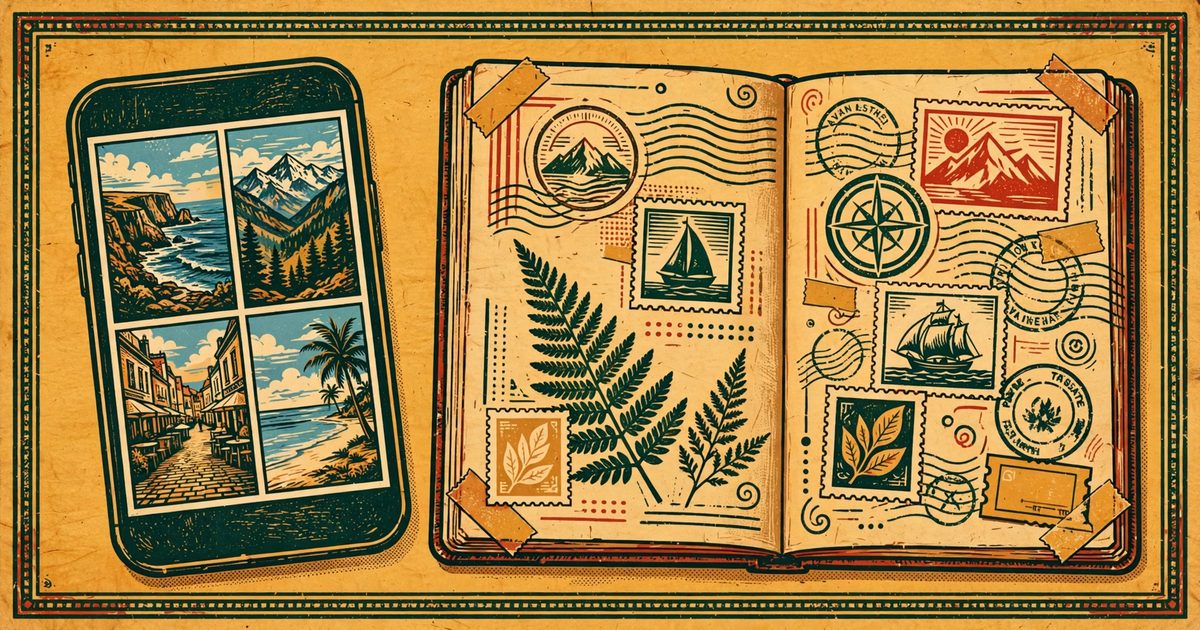
- Build a trip page. Make one stamp per stop and you've got a scrapbook page with no scissors and no glue. If you want the full system for what comes after the trip, here's what to do with travel photos once the glow fades.
- Print one. A single stamp printed small and framed is a $5 souvenir that looks like a $35 Etsy poster. That's not an exaggeration — Etsy sellers genuinely charge $35 and up for custom travel stamp posters made from your photo, with days of turnaround. Same output, instant, free.
- Post the before-and-after. The transformation is the hook. People scroll past a nice photo; they stop for a nice photo becoming a poster.
- Start a collection. One stamp per trip, same format, accumulating over years. It becomes a visual passport — and it's a lot more fun to look at than a folder called "DCIM." A few years in, you'll have a wall-worthy series that no filter pack could ever fake, because every piece is tied to somewhere you actually went.
What's actually free (and what isn't)
The honest version: the stamp maker runs free in your browser — two custom stamps included, no account, no credit card, nothing to install. The app itself is free to use. If you end up wanting more than the free tier covers, there's a one-time Lifetime Journal ($29.99, no subscription) and a stamp credit pack ($2.99 for 20). But nobody's asking you to decide that in the first 30 seconds — go turn photos into vintage stamps and see which trip deserves it first.
FAQ
Quick answers to the questions people actually ask before trying it:
Is it really free?
Yes. The stamp maker runs in your browser with two custom stamps included. No account, no install, no card. If you want more stamps later, paid options exist — but the first ones cost nothing.
Do I need to download an app?
No. It works in the browser on your phone or computer. There's nothing to install and no signup screen.
What kind of photo works best?
One clear subject, decent light, landscape orientation. And don't overlook old or imperfect photos — scanned film and early phone shots often stamp the best.
Can I print my stamp?
Yes. Download the finished stamp and print it anywhere. Free stamps print well at small frame sizes; paid tiers include higher-resolution exports if you want to go big.
What if I want stamps for a whole trip, not just one photo?
Make one stamp per stop — that's exactly what the format is for. A week-long trip becomes seven stamps, and seven stamps become a trip page without any layout work on your end. The two free stamps cover your first experiments; if you're stamping a full itinerary, the credit pack ($2.99 for 20) is the cheapest way to do it.
---